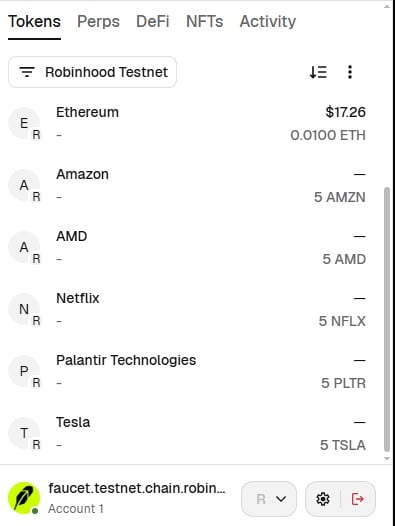
- Before you begin: Your wallet must have some RobinHood Testnet ETH. Go to https://faucet.testnet.chain.robinhood.com and it’ll give you: 0.01 ETH, and 5 each of TSLA, AMZN, PLTR, NFLX, and AMD. You’re ready for the next step if you see these tokens in your wallet.
- Go to https://testnet.arcus.xyz/trade/perpetuals/BTC-USD and connect the wallet (two steps to sign in the first time: 1) connect, and 2) sign a message.
- Click ‘Enable Trading’, acknowledge the checkbox on the Terms of Use, and Confirm. This will prompt your wallet to sign another message which generates the API key for the frontend.
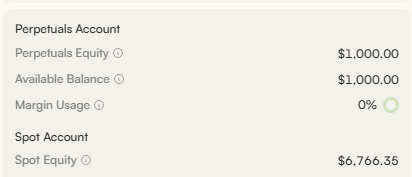
- Click Testnet Deposit button in the upper right corner and this will create an actual transaction (prior wallet interactions did not create any transactions on-chain). Once confirmed (in a few seconds), you will see $1000 in your balance.